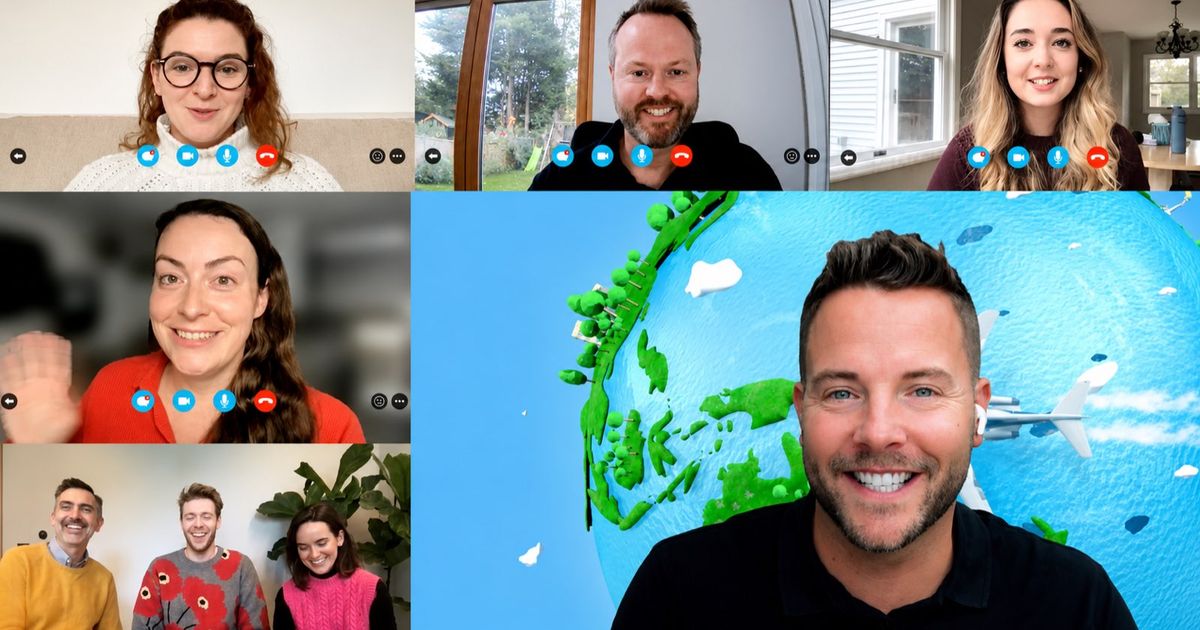
Put 100 people on one video call and most of them will sit on mute with their cameras off. The trick at this size is to stop treating it as one big group. Split everyone into small teams, give them something to do together, and pull the whole room back for the scores.
That’s the pattern behind every activity below. Some take five minutes and don’t cost a thing, some fill an afternoon, and one section is for when you’d rather someone else ran it. Each one’s got a quick how-to, a rough duration and the group size it suits.
If your group is closer to 50 than 100, or you’re meeting in person, our guide to team building activities for 50-100 people is the better place to start.
Before you pick: what changes at 100+
A few things that don’t matter at 20 people start to matter a lot at 100.
- Breakout rooms do the work. People talk in groups of four to six. They don’t talk in a gallery of 100 faces. Pre-assign the rooms before the day so nobody’s left waiting in the main call.
- Mix the teams on purpose. If people pick their own groups, they’ll sit with the colleagues they already know. Mix departments and offices when you set up the rooms.
- Get a co-host. One person talks while the other moves people between rooms, watches the chat and lets in latecomers. On a big call you can’t do both.
- Keep one scoreboard. Every team should know how they’re doing against everyone else. That’s what makes 20 separate breakout rooms feel like one event.
Quick openers (5 to 15 minutes)
1. Chat storm
Ask one question everyone can answer in a few words, like “the best thing you ate this week”. Everyone types their answer but doesn’t press enter until you count down, then the chat floods all at once.
Duration: 2 to 5 minutes. Group size: any, the bigger the better.
2. This or that polls
Run five quick either-or questions (tea or coffee, beach or city, early or late) using the built-in polls in Zoom or Teams, or a tool like Slido or Mentimeter. Show the results live and pick out the splits nobody’s expecting.
Duration: 5 to 10 minutes. Group size: any.
3. Two truths and a lie, in breakouts
Send everyone into rooms of four or five. Each person shares three facts about themselves, and the rest of the room guesses the lie. When they’re back, ask each room for its best one.
Duration: 10 to 15 minutes. Group size: any, in rooms of 4 to 5.
4. Speed networking rounds
Set up three short rounds of random breakout rooms with three or four people in each, and give every round a single question to answer. Shuffle the rooms between rounds so everyone’s meeting someone new each time.
Duration: 15 minutes for three rounds. Group size: 50 to 300, in rooms of 3 to 4.
Games for the whole group (15 to 45 minutes)
5. Live quiz on everyone’s phones
Build a quiz in Slido or Mentimeter and share your screen while people answer on their phones. Keep it to ten questions and put a leaderboard up after every few. Check your plan’s player limit before you send the invite to 150 people.
Duration: 15 to 30 minutes. Group size: any, within your plan’s limit.
6. Grab it from your desk
Call out an item (“something older than you”, “the oddest mug you own”) and give people 30 seconds to fetch it and hold it to the camera. Your co-host hands out points to whoever’s quickest. At 100 people and above, run it by team in breakout rooms and let each room nominate its best find.
Duration: 10 to 15 minutes. Group size: up to about 100 in the main call, any size in breakouts.
7. Drawing games in breakouts
Split people into rooms of six to eight and send each room a link to a free drawing game like Skribbl.io or Gartic Phone. One person draws, everyone else guesses, and each room reports its funniest drawing at the end.
Duration: 20 to 30 minutes. Group size: any, in rooms of 6 to 8.
Team challenges (45 to 90 minutes)
8. A DIY team quiz with creative rounds
Put teams of four to six into breakout rooms with one captain each. Mix standard trivia rounds with a photo round and a “caption this” round, and have captains submit answers in a Google Form so you’re marking as you go.
Duration: 45 to 60 minutes. Group size: 50 to 300, in teams of 4 to 6.
9. A picture and puzzle hunt
Share a list of 20 clues, puzzles and photo tasks in a slide deck or doc. Teams work through them in breakout rooms and upload photos to a shared folder. Give points for every answer and bonus points for the best photos.
Duration: 45 to 60 minutes. Group size: 50 to 300, in teams of 4 to 6.
10. Virtual escape room
Teams race through a chain of codes and riddles, where one answer unlocks the next. You can build a simple one with a locked Google Form, but it’ll take a few hours to write and test. At this size most organisers use a ready-made game, so every team gets the same puzzles and the same clock.
Duration: 45 to 90 minutes. Group size: any, in teams of 4 to 6.
11. Murder mystery
Teams study witness statements, clues and timelines, then name the killer before the time runs out. It’s a slower, chattier format than a quiz, which suits quieter groups. Writing one yourself isn’t a small job, so this is another one most people buy in.
Duration: 60 to 90 minutes. Group size: any, in teams of 4 to 6.
12. Get-up-and-move challenges
Give teams a set of physical and creative tasks: build the tallest tower from things on their desk, recreate a famous painting, film a ten-second team dance. Teams send in photos or videos and the whole group votes on the best. It’s a good one after a long morning of presentations.
Duration: 30 to 60 minutes. Group size: any, in teams of 4 to 6.
Run it for you
If you’d rather not build the quiz, set up 30 breakout rooms and mark 150 answers yourself, our hosted virtual team building activities are built for this size. A Remote Host briefs everyone over your video call, splits the group into teams of 4 to 6 and runs the whole session. Everyone plays on their phones in our Mobile Adventures app, and every team is scored on the same live leaderboard.
A single event takes up to 300 people. The formats that work best at scale are Let’s Get Quizzical (75 minutes), Trivia Challenge: The Original (45 minutes), Beat The Screen (90 minutes), the Escape: Art Heist virtual escape room (60 or 90 minutes) and Murder on the Train (90 minutes). For a shorter opener before a big meeting, Connect runs for 30 or 45 minutes and Water Cooler for 15 or 30.
What does it cost?
Everything in the first three sections is free. You’ll only pay if you pick a paid plan for a quiz or polling tool.
Our hosted events are priced per person. Most are £12 per person + VAT, plus a £250 + VAT Remote Host. That’s Let’s Get Quizzical, Beat The Screen, Escape: Art Heist and Murder on the Train. The shorter formats, including Trivia Challenge: The Original, Connect and Water Cooler, are £12 per person + VAT with the host included and a £240 + VAT minimum. For 100 people, the per-person part comes to £1,200 + VAT. You’ll see your exact total as soon as you enter your numbers on any activity page.
Are there free options?
Yes, and there’s plenty. Chat storms, polls, breakout icebreakers and speed networking won’t cost anything on the video platform you’re already paying for. Skribbl.io and Gartic Phone are free to play. Slido and Mentimeter both have free plans, though their participant limits can be tight for 100 or more, so check before the day. Kahoot’s free plan isn’t meant for work teams, so you’d need a paid plan there. A DIY quiz in Google Forms is free too. It’ll just take time to write and mark.
Which platforms does it work on?
All of the above work on Zoom, Microsoft Teams and Google Meet. Zoom and Teams both let you pre-assign breakout rooms, which saves a lot of shuffling at 100 people. Google Meet has breakout rooms on paid Workspace plans. Our hosted events work on any of the three, or whatever platform you’re already using, with everyone playing on their own phone in the Mobile Adventures app. There’s nothing to download on the laptop and no kit to post out.
FAQs
What are good virtual team building activities for 100 people?
Anything that splits the group into small teams and brings them back for a shared result. Quick openers like chat storms and breakout icebreakers work at any size. For a longer session, team quizzes, puzzle hunts, virtual escape rooms and murder mysteries all work well in breakout rooms of four to six.
How do you run virtual team building for a large group?
Pre-assign breakout rooms of four to six people, mix departments on purpose, have a co-host to manage the rooms and the chat, and keep one scoreboard so every team can see where they stand. If you’d rather not, a hosted event handles all of that.
How many people can join a hosted Wildgoose virtual event?
Up to 300 people in a single event. Everyone plays in teams of 4 to 6, and all the teams are scored on one live leaderboard.
How much does virtual team building for 100 people cost?
DIY activities are free apart from any paid tool plans. Our hosted events are £12 per person + VAT, so £1,200 + VAT for 100 people, plus a £250 + VAT Remote Host on most formats. Shorter formats include the host and have a £240 + VAT minimum.
Do we need breakout rooms?
For anything longer than a quick opener, yes. People join in far more when they’re in a room of five than in a call of 100. Zoom and Teams let you set them up in advance, and our hosts manage the teams for you.
Can some people join from the office?
Yes. Most of our virtual activities also run as hybrid events for up to 300 people, with teams in the office and at home all playing on the same leaderboard.