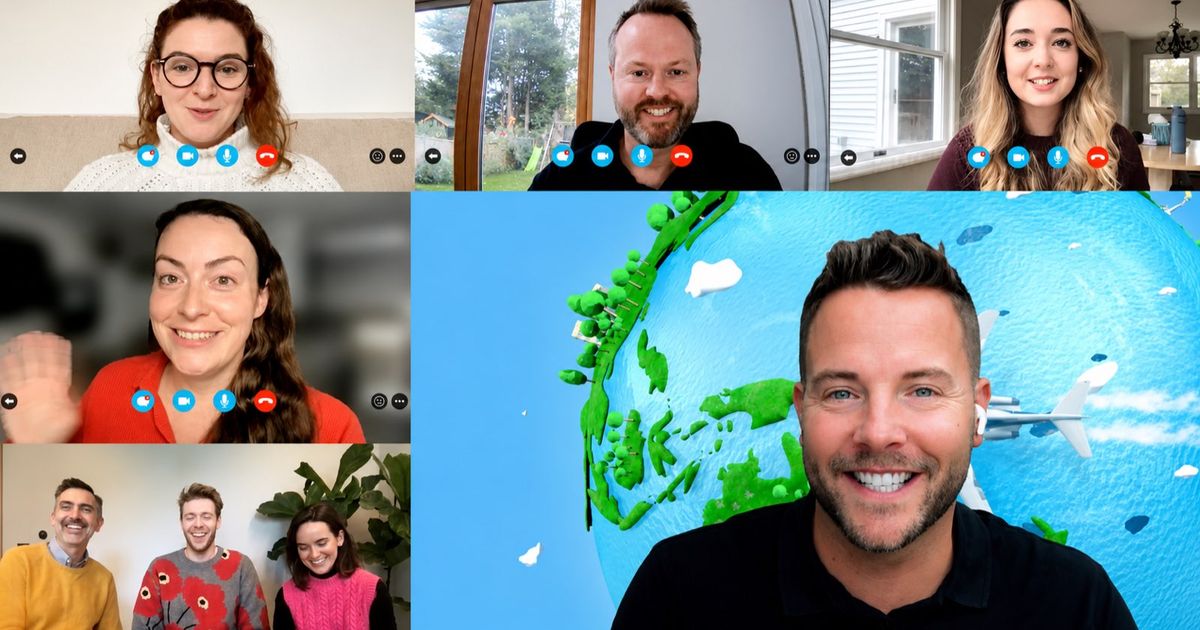
An all-hands with 150 people on camera sounds like a great chance to bring the company together. Then you open the call and it’s a wall of black tiles. Large groups don’t bond as one big audience. They bond in small teams that are all playing the same game.
So every idea here is built around that. Some are free and take five minutes, some fill a whole afternoon, and there’s one section for when you want a host to run the lot. Each one’s got a quick how-to, a rough duration and the group size it works for.
Planning for 50 to 100 people, or getting everyone in the same room? Our guide to team building activities for 50-100 people covers that.
Four things to sort out first
Large virtual groups fail for the same few reasons, and they’re all fixable before the day. Here’s how.
- Pick a time that works coast to coast. If your team spans the country, a 1pm Eastern start is 10am Pacific. Late morning on the West Coast is usually the sweet spot.
- Pre-assign small breakout rooms. Teams of four to six keep everyone talking. Set the rooms up in advance so you’re not sorting 150 people live.
- Split up the usual cliques. Mix departments, locations and seniority on purpose. Left to choose, people will stick with the colleagues they already know.
- Bring a co-host. You run the game while they manage the rooms, the chat and the latecomers. At this size one person can’t do both.
Icebreakers that scale (5 to 15 minutes)
1. Chat waterfall
Post one easy question, like “what’s the last show you binged?”. Everyone types an answer but holds off on hitting enter until you count down from three, so the chat fills all at once and people start replying to each other.
Duration: 2 to 5 minutes. Group size: any, and it’s more fun the bigger the call.
2. Would you rather polls
Line up five would-you-rather questions and run them through the built-in polls in Zoom or Teams, or a tool like Slido or Mentimeter. Share the results right away and call out the ones that were close.
Duration: 5 to 10 minutes. Group size: any.
3. Speed networking
Run three quick rounds of random breakout rooms with three or four people each, and give every round one question to answer. Reshuffle between rounds so nobody’s stuck with the same faces.
Duration: 15 minutes for three rounds. Group size: 50 to 300, in rooms of 3 to 4.
4. Two truths and a lie
Send people into rooms of four or five. Everyone shares three facts about themselves and the room guesses which one’s the lie. Back in the main call, each room shares its best.
Duration: 10 to 15 minutes. Group size: any, in rooms of 4 to 5.
Trivia and games for everyone (15 to 45 minutes)
5. Virtual trivia on phones
Trivia is the go-to for large groups because everyone can play at once. Build it in Slido or Mentimeter, share your screen and let people answer on their phones. Ten questions is plenty, with the leaderboard shown every few rounds. Check your plan’s player cap before inviting 200 people.
Duration: 15 to 30 minutes. Group size: any, within your plan’s cap.
6. Desk scavenger hunt
Call out something to find (“a souvenir from a trip”, “the oldest thing on your desk”) and give people 30 seconds to hold it up to the camera. Your co-host gives points to whoever’s fastest. Above 100 people, move it into breakout rooms and have each team pick its best find.
Duration: 10 to 15 minutes. Group size: up to about 100 in one call, any size in teams.
7. Drawing and guessing games
Put people in rooms of six to eight and share a link to a free game like Skribbl.io or Gartic Phone. One person sketches, the rest guess. Each room brings its funniest drawing back to the main call.
Duration: 20 to 30 minutes. Group size: any, in rooms of 6 to 8.
Longer team challenges (45 to 90 minutes)
8. Team trivia with creative rounds
Give teams of four to six their own breakout room and a captain. Mix regular trivia with a photo round and a caption contest, and collect answers through a Google Form so scoring won’t take all night.
Duration: 45 to 60 minutes. Group size: 50 to 300, in teams of 4 to 6.
9. Photo and puzzle hunt
Share a doc with 20 riddles, puzzles and photo tasks. Teams work through the list together and drop their photos into a shared folder. Every answer scores, and the best photos earn bonus points.
Duration: 45 to 60 minutes. Group size: 50 to 300, in teams of 4 to 6.
10. Online escape room
Teams crack a chain of codes, where each answer unlocks the next. You can rig up a basic one with a locked Google Form, but writing and testing it’ll eat a few hours. For a big group most organizers book a ready-made game, so every team faces the same puzzles on the same clock.
Duration: 45 to 90 minutes. Group size: any, in teams of 4 to 6.
11. Murder mystery
Teams sift through clues, witness statements and a timeline, then name the culprit before time’s up. It’s slower and more conversational than trivia, which is good for quieter teams. It’s a lot to write from scratch, so this one’s usually bought in too.
Duration: 60 to 90 minutes. Group size: any, in teams of 4 to 6.
12. Movement challenges
Set teams a list of physical and creative tasks: build the tallest tower from desk supplies, recreate a famous painting, film a ten-second team dance. They submit photos and videos, and the whole call votes for the winners. It’s a good reset in the middle of a long virtual offsite.
Duration: 30 to 60 minutes. Group size: any, in teams of 4 to 6.
Want someone to run it?
Building the trivia, setting up 30 breakout rooms and scoring 150 answers is a lot to take on. Our hosted virtual team building activities are made for groups this size. A Remote Host briefs everyone on your video call, splits the group into teams of 4 to 6 and runs the session from start to finish. Players use their phones in our Mobile Adventures app, and every team’s on one live leaderboard.
One event takes up to 300 people. For large groups the best fits are Trivia Challenge: The Original (45 minutes), Let’s Get Quizzical (75 minutes), Beat The Screen (90 minutes), the Escape: Art Heist online escape room (60 or 90 minutes) and Murder on the Train (90 minutes). If you only need a warm-up before a town hall, Connect runs for 30 or 45 minutes and Water Cooler for 15 or 30.
What does it cost?
The DIY ideas above are free. You’ll only pay if you’d like a paid plan for a quiz or polling tool.
Our hosted events are priced per person. Let’s Get Quizzical, Beat The Screen, Escape: Art Heist and Murder on the Train are $15 per person plus a $300 Remote Host. Shorter formats, including Trivia Challenge: The Original, Connect and Water Cooler, are $15 per person with the host included and a $300 minimum. For 100 people, the per-person part comes to $1,500. Enter your headcount on any activity page and you’ll see the full price straight away.
Are there free options?
Yes, and there’s lots. Chat waterfalls, polls, icebreakers and speed networking are free on the video platform you’ve already got. Skribbl.io and Gartic Phone cost nothing to play. Slido and Mentimeter both offer free plans, but their participant caps can be low for a group of 100 or more, so check first. Kahoot’s free plan isn’t meant for work teams, so you’d need a paid plan there. A Google Forms trivia game is free too. It’ll just take time to build and score.
Which platforms does it work on?
Everything here works on Zoom, Microsoft Teams and Google Meet. Zoom and Teams both let you pre-assign breakout rooms, which you’ll be glad of with 100+ people. Google Meet includes breakout rooms on paid Workspace plans. Our hosted events run on any of them, or on whatever platform your company uses, with everyone playing on their own phone in the Mobile Adventures app. No software to install and nothing to ship.
FAQs
What are the best virtual team building activities for large groups?
The ones that split people into small teams and bring them back together for a shared result. Chat waterfalls and breakout icebreakers work at any size. For longer sessions, team trivia, puzzle hunts, online escape rooms and murder mysteries all run well in breakout rooms of four to six.
How do you keep 100+ people engaged on a video call?
Put them in pre-assigned breakout rooms of four to six, mix up departments, bring a co-host to manage the rooms and chat, and keep one scoreboard so every team knows where it stands. If you’d rather not, a hosted event takes care of all of that.
How many people can join a hosted Wildgoose virtual event?
Up to 300 in one event. Everyone plays in teams of 4 to 6, and every team is scored on a single live leaderboard.
How much does virtual team building cost for 100 people?
DIY ideas are free apart from any paid tool plans. Our hosted events are $15 per person, so $1,500 for 100 people, plus a $300 Remote Host on most formats. Shorter formats include the host and have a $300 minimum.
Is virtual trivia good for large groups?
Yes. It’s one of the easiest formats to scale because everyone can play at the same time, either as individuals on a live quiz or in teams in breakout rooms. Trivia Challenge: The Original is our hosted version at 45 minutes.
Can in-office and remote employees play together?
Yes. Most of our virtual activities also run as hybrid events for up to 300 people, with office teams and remote teams on the same leaderboard.